It's time to install!
Go to sideloady.io on your Mac, and click "macOS Download"
Install and open it.
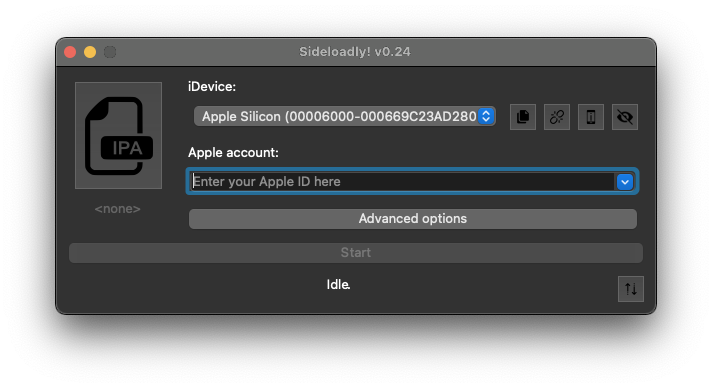
Drag the .ipa file you airdropped from your iPhone onto SideLoady.
Malware Prevention Alert:
If you did not generate this file yourself, as shown in the Crack & Dump guide, do not continue. Do not install a file you have downloaded from the internet, received from a friend, or gotten anywhere other than your iOS device.
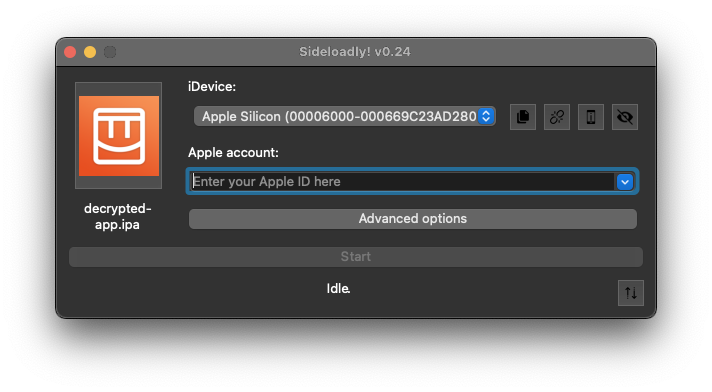
Open "Advanced options"
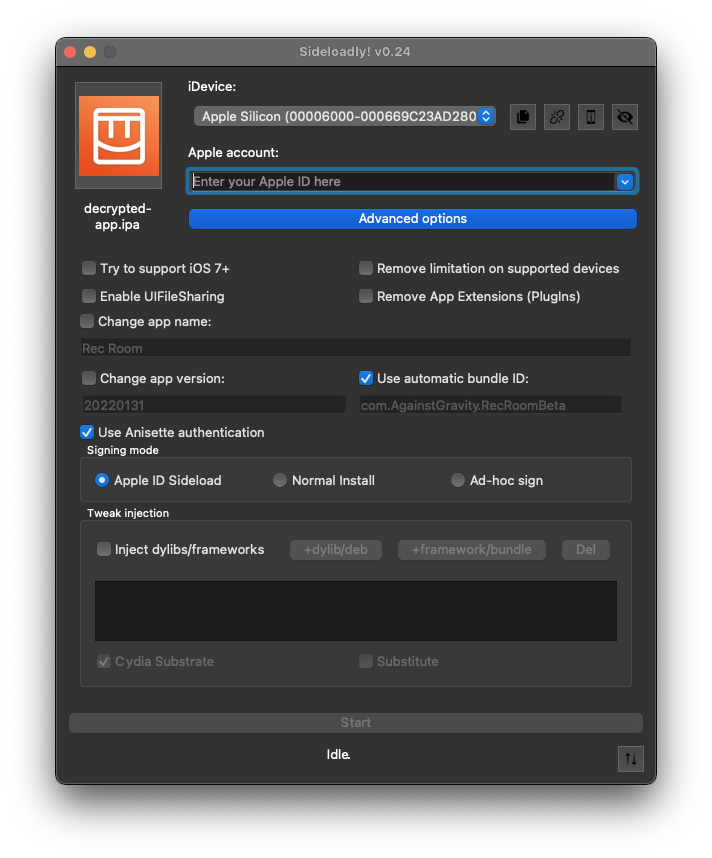
Activate "Remove limitation on supported devices"
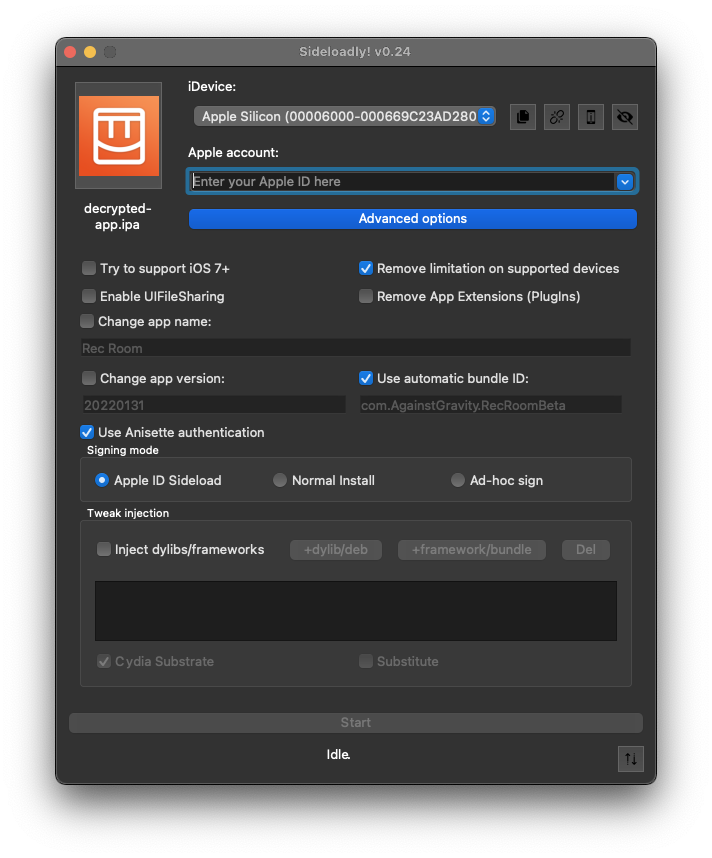
Enter your Apple ID in the provided field
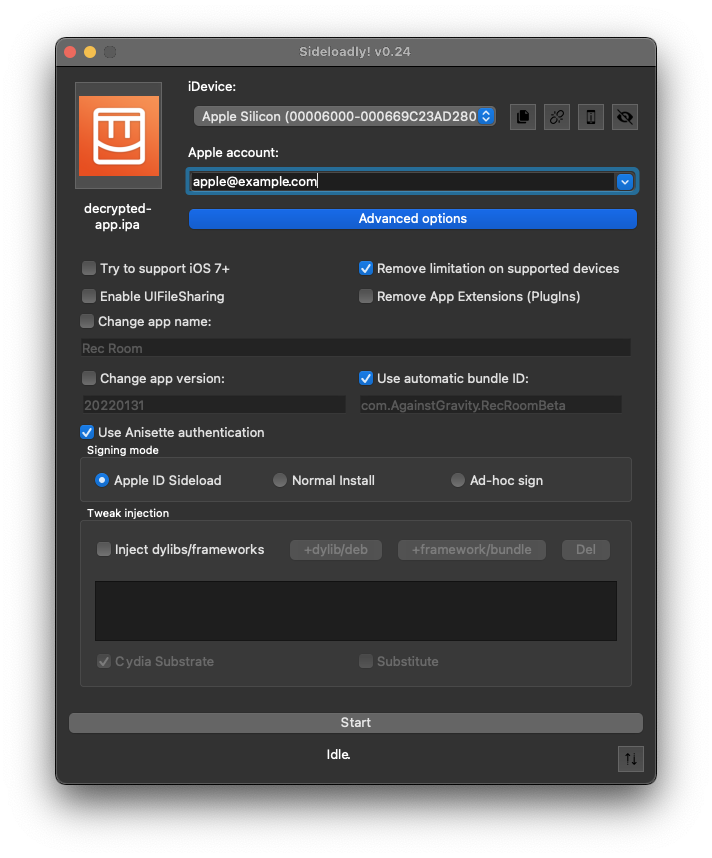
Enter your account password.
Entering your Apple ID account password into some app you downloaded off the internet while following a guide is not something I would normally recommend doing, but it is necessary to continue.
If you use 2 factor authentication, you might need to generate an app-specific password to use in place of your regular password.
If it fails anyway, try toggling Anisette authentication.
After installation completes, see the Launch guide.